Hiring a Website Designer? Here’s What to Have Ready
It’s time. You’ve been setting money aside for a new website, and you’re (finally) hiring a website designer. You’re ready to pay someone who does this for a living and get back to what you do for a living.
But then you start looking into what a designer needs from you to get started.
Homework.
Often a lot of it.
Does the logo you made on Canva work? Can you just pick a couple of your favourite colours? Are your selfies good enough for photos? And when they ask you to “provide your copy”, what exactly are you supposed to write?
You thought you were just handing over your login info to Squarespace, but now you’re wondering what the heck else you’re supposed to hand over with it. Especially when every website designer asks for something different, and you’re trying to figure out whether you’re ready to book or have three months of prep ahead of you.
So, we’re here to answer: what do you actually need to have ready when you hire a website designer, and what can you get help with along the way?
Before Hiring a Website Designer, Know What You Want Your Website to Do
Website designers have seen a lot of businesses. A LOT. Different offers, audiences, vibes, ways of doing things, and figuring out how to present all of that on a website is literally their job.
So yes, your designer will ask questions that help you get clearer on those things. But if you’re still figuring out what to sell, who you want to work with, how your business runs, or what to charge, those are decisions to work through with a strategist or coach.
(Unless you’re Samara, who is both a coach AND a designer, and whose brilliant coaching mind can be tapped into here.)
Which means, before hiring a designer, you’ll want to consider:
Which offers you want to change or stop selling
What new offers you want to introduce
Which clients you’d love more of
The vibe you want to lean into
And if you’ve been putting any of these decisions off, give yourself a little extra space to think them through.
Your Website Design Checklist: 5 Things Your Designer Will Ask About
Now for the “what am I actually supposed to send you?” part of hiring a website designer.
1. Your Website Platform
Squarespace, Shopify, Showit…your designer will want to know what you’re considering. Not every website designer works on every platform, and your choice affects the features, ongoing costs, and how you’ll update your site later.
And if your answer is “I haven’t chosen yet,” say that! An experienced (and ethical) website designer will point you in the direction that suits you best, not just their skills. To find the right fit, consider what you need your website to do:
Will you be blogging, selling products, or taking payments?
Do clients need to book appointments through your site?
Do you want to regularly add galleries or update your content yourself?
What can you comfortably spend on the platform and any extra tools?
Are there accessibility needs you want to discuss with your designer?
Are there custom features you have your heart set on?
At In Tandem, we’re biiiiiig fans of Squarespace.
Samara can get creative with the design, and you can still pop in later to add photos or update an offer. We like its accessibility foundations and its pricing, too. It’s also how we make our custom Squarespace Website in a Week projects happen.
But we can also work with Shopify and Showit, so we’re happy to help you choose based on what your business needs. Our Squarespace vs. Showit comparison gets into the differences, and our Squarespace website cost guide covers the budget side, including the extras worth planning for.
2. Your Visual Branding
You might know exactly how you want your website to feel: warm and earthy, a little playful and bright, clean and modern.
But your designer will need the actual colours, fonts, and files that bring that feeling to the screen.
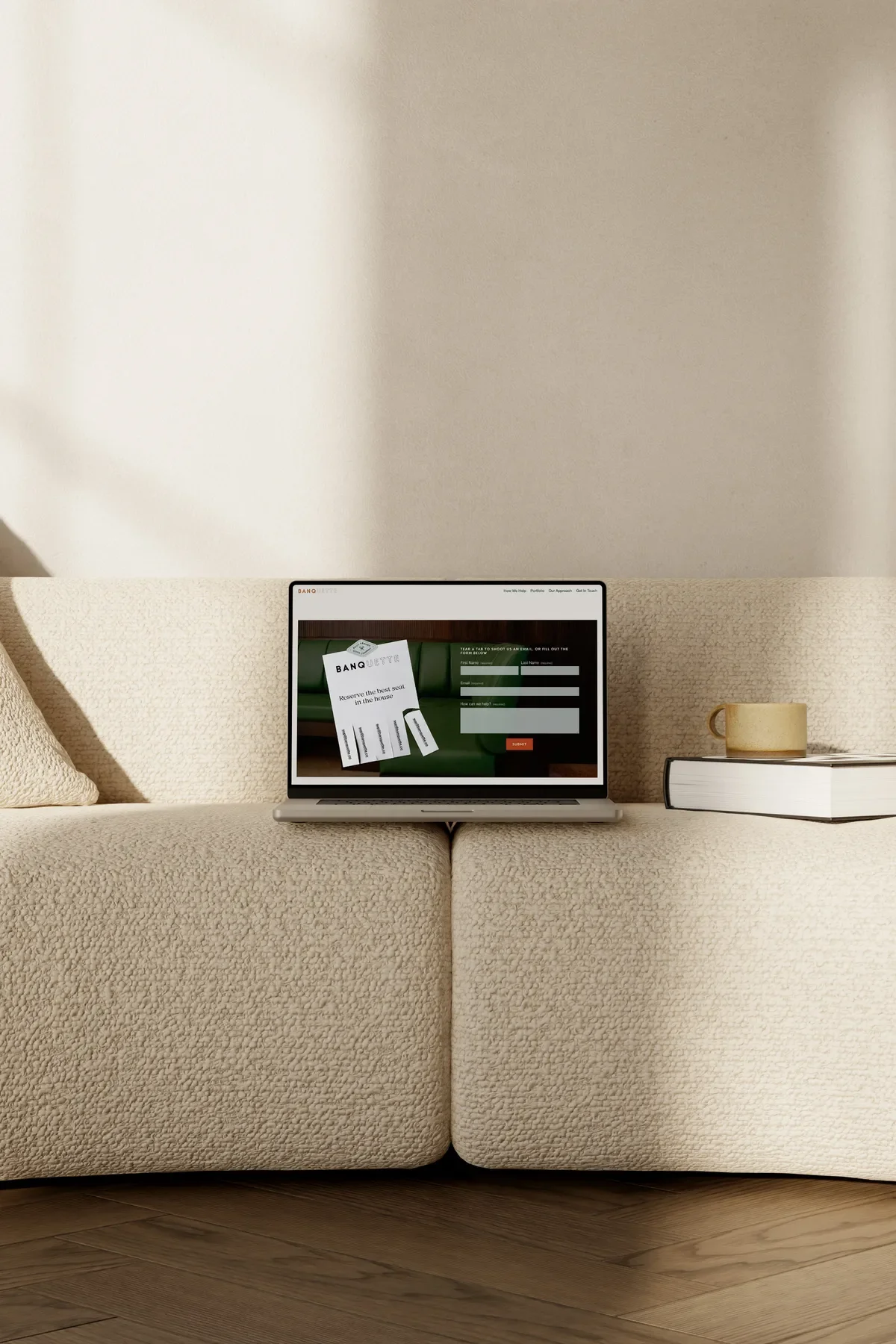
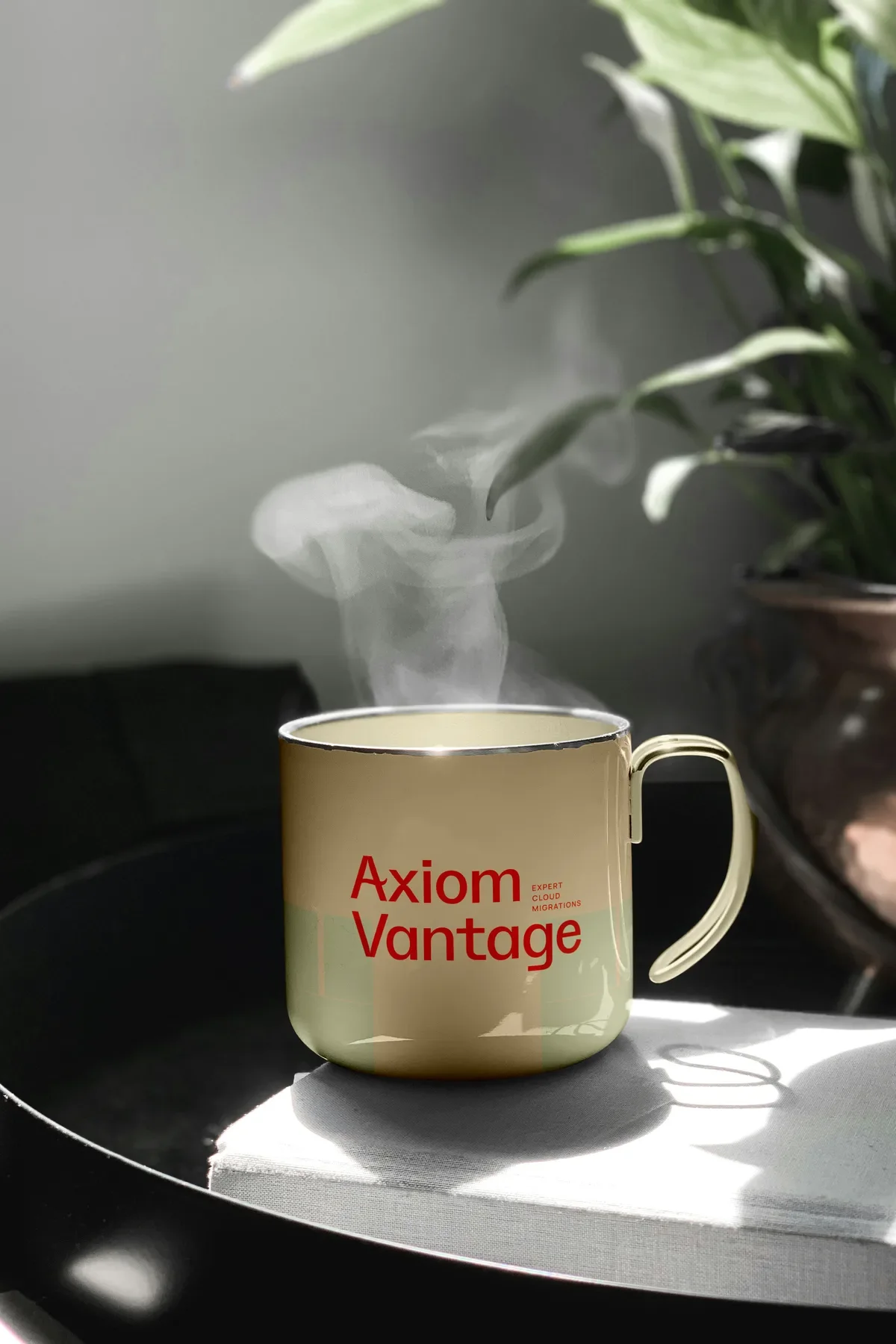
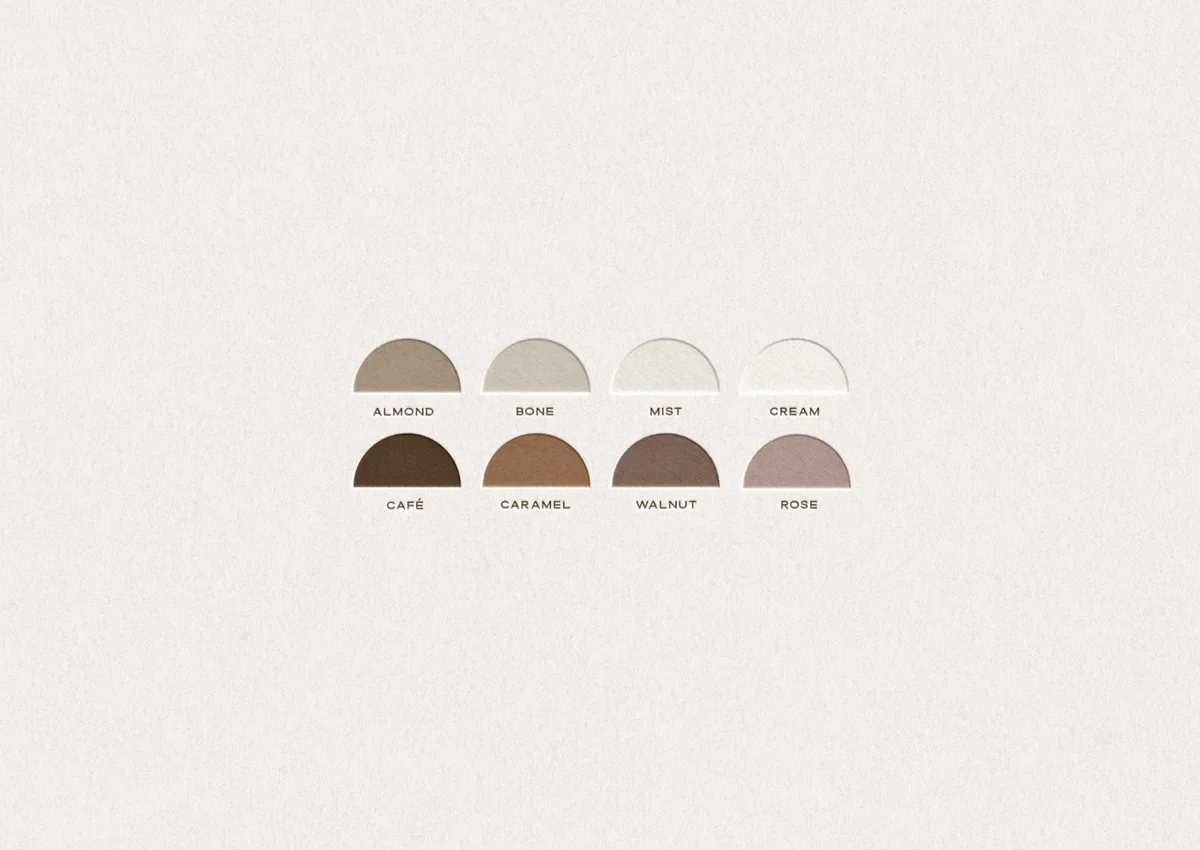
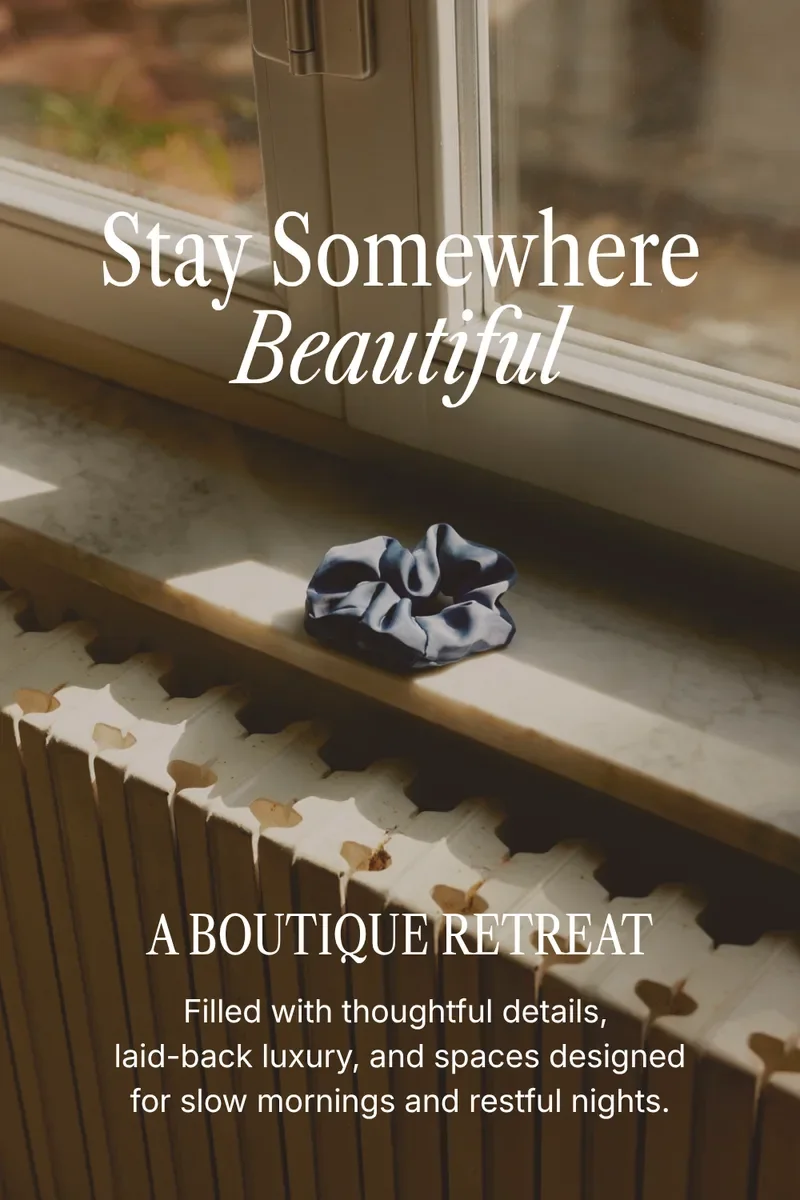
A simple logo, 5–7 colours, and 2–4 fonts can give your designer plenty to work with. Or you can go all-in with logo variations, patterns, textures, and custom illustrations.
Honestly? We’ve seen it all at In Tandem.
Janine, a wedding photographer in Edmonton, already had custom branding she’d loved for years. Perfect. Samara brought those original elements into her new website.
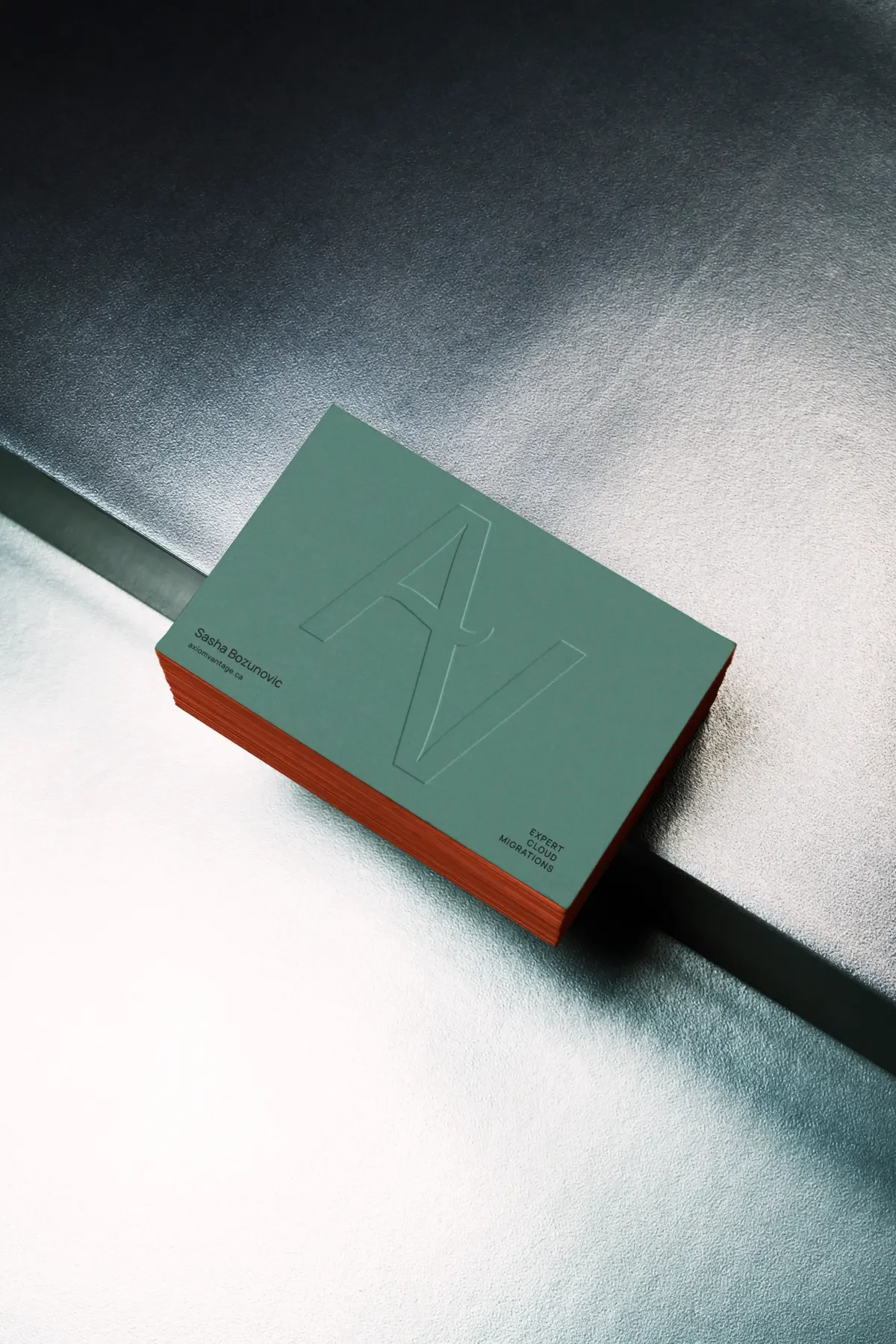
Sasha wanted a full set of brand elements on a tight timeline and budget, so we took the semi-custom branding route and customized our Quiet Hours Brand Kit for his IT company.
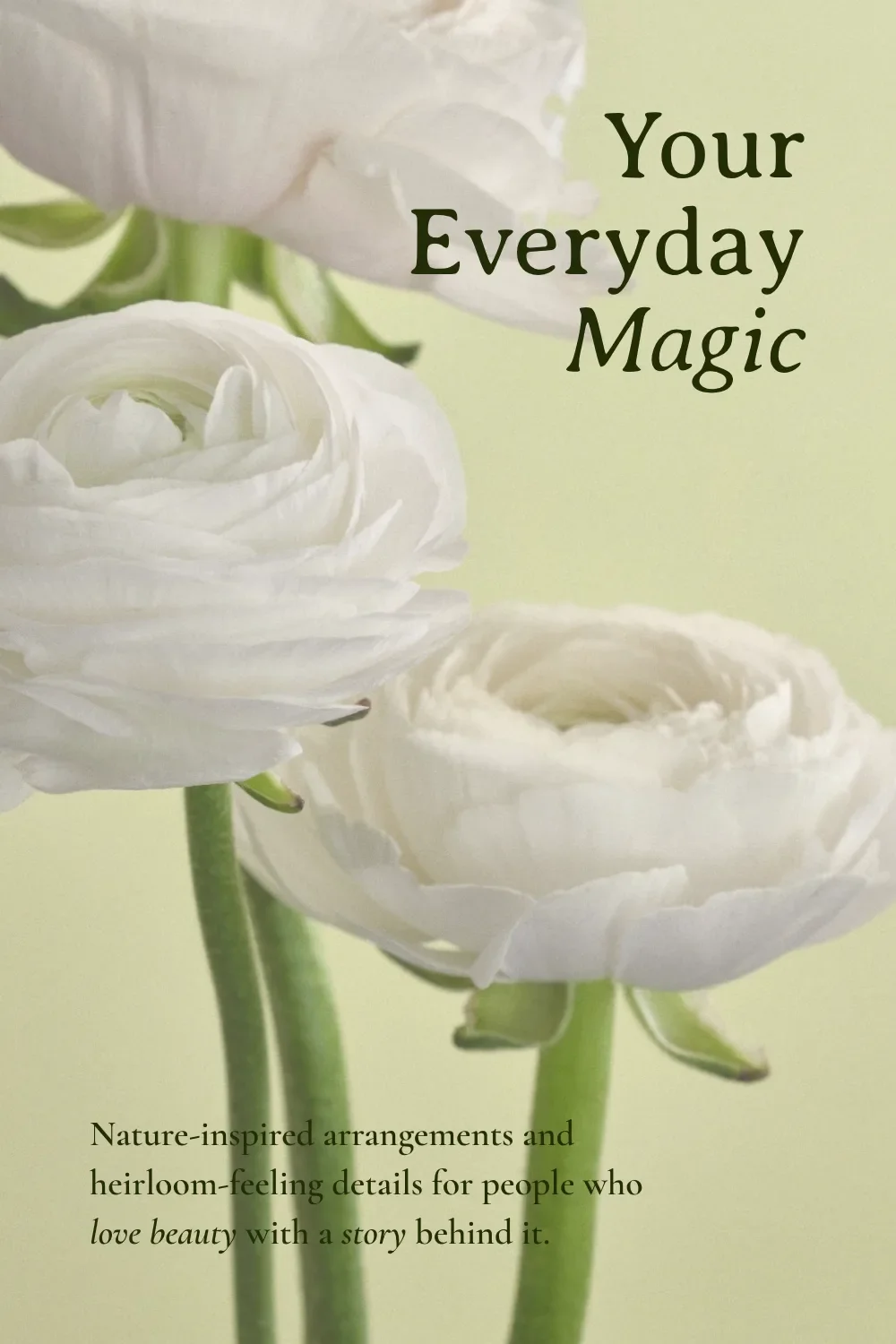
And Sarah, an intuitive guide in Wales, had no branding and no desire to spend her evenings comparing fonts. She added a Mini Brand to her project, and Samara chose her colours and fonts and created a simple logo.
So whether you’ve already checked “branding” off your list or need a hand pulling those pieces together, we’ve got a way to help you get your website rolling.
3. Your Brand Photos
If you’ve been looking for an excuse to book a brand shoot, a new website is a pretty good one.
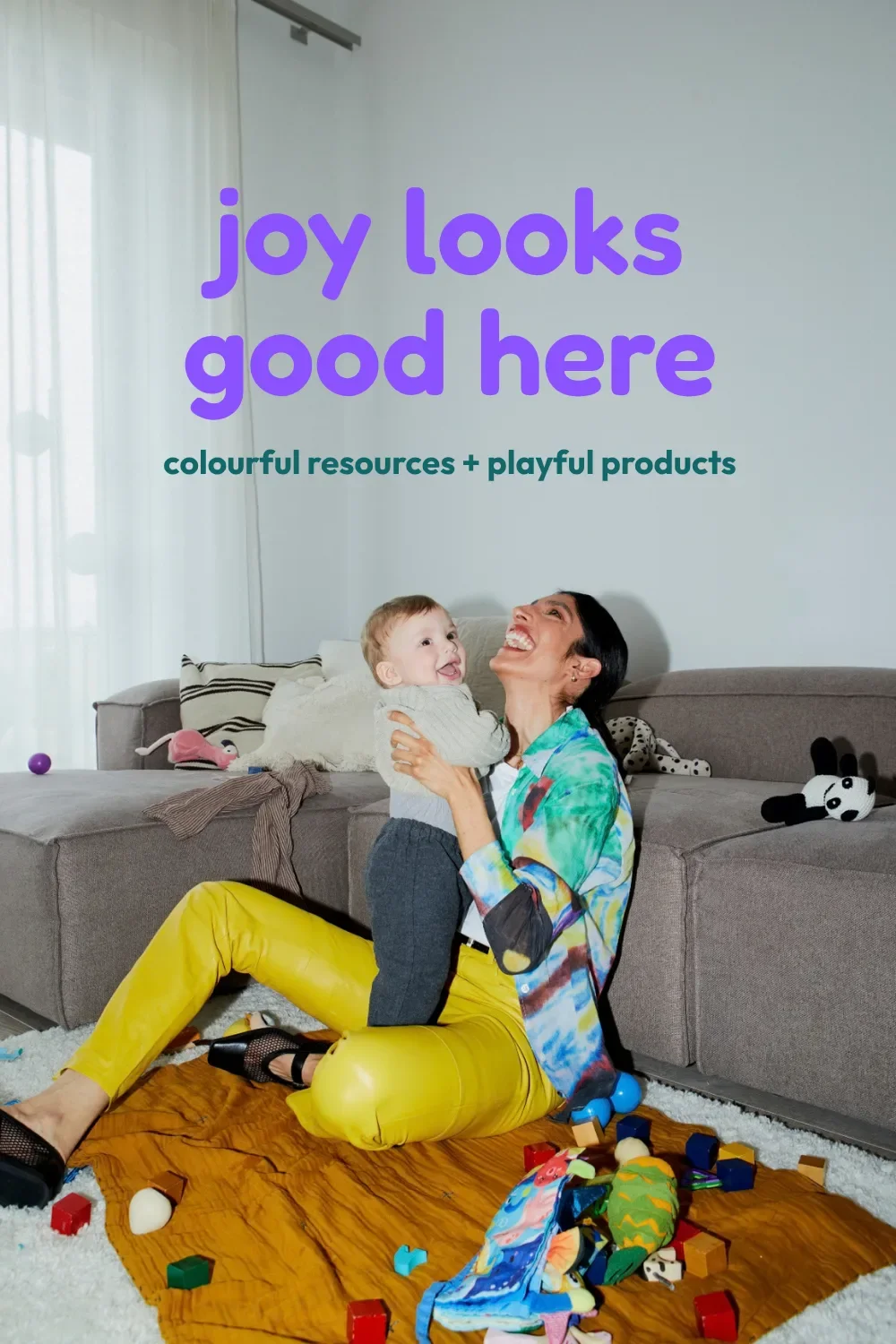
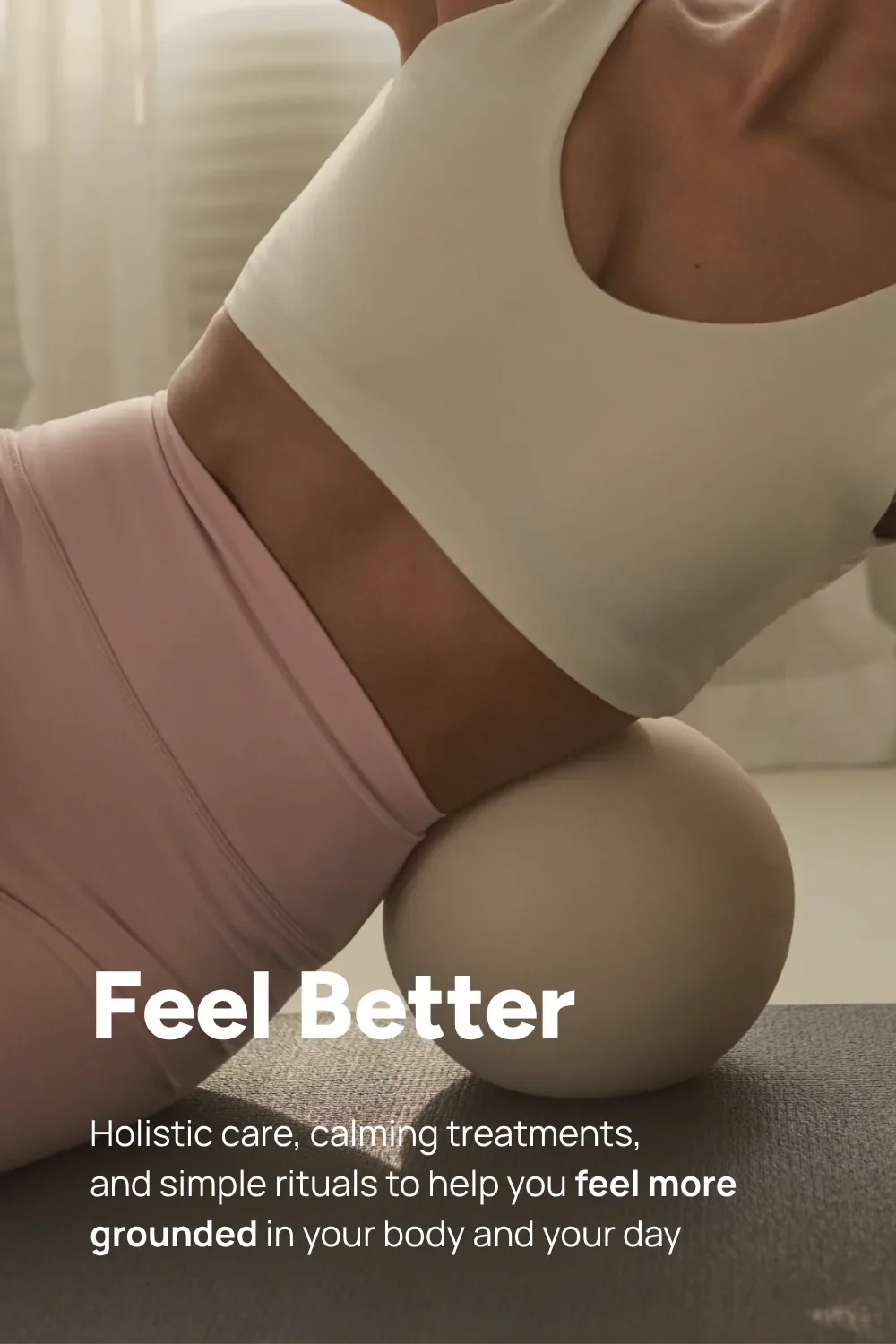
Photos of you, your work, your process, and your space give people a feel for the experience they’re about to have. They get to see who they’ll be working with and what that actually looks like. Plus, Samara gets to design with details that belong to your business.
But if a photo shoot isn’t happening before your website project? Not a deal-breaker.
Have a few clear, good-quality photos of yourself ready, and curated stock photos can fill out the rest.
Choose images that fit your branding and colours, but also make sense for your work. Twenty near-identical photos of ocean waves might say “calm” but they say a whole lot of nothing about your business unless you’re a marine biologist.
We like Pexels, Unsplash, and Dupe for finding free stock photos.
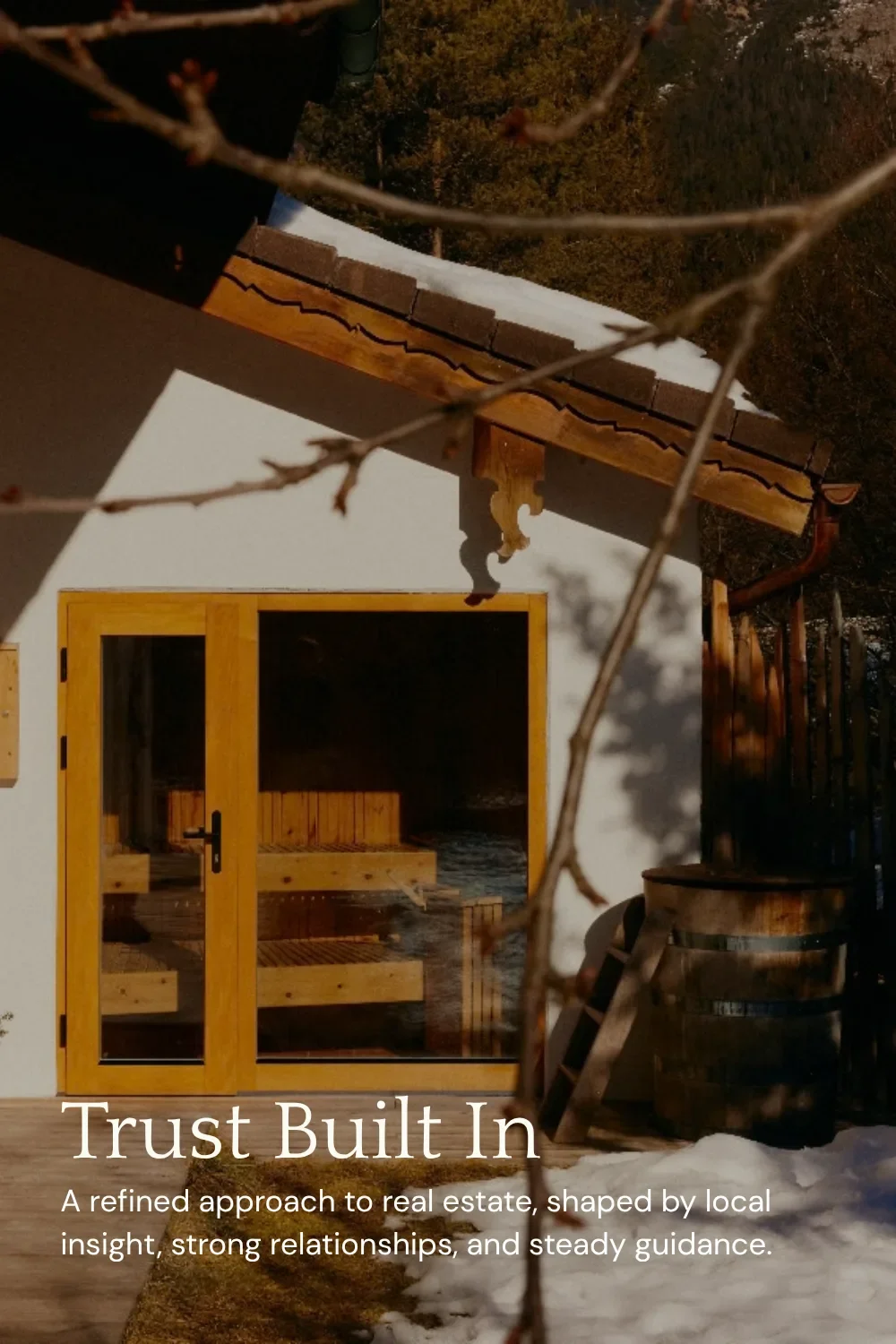
Whether you’re planning a shoot or choosing stock, think about variety, too. Wide photos, tall photos, close-ups, and shots with space around the subject give your designer options for different layouts.
A tightly cropped headshot can work beautifully beside your bio. Across a whole banner? That’s a lot of face.
And if you’d rather skip the stock-photo search altogether, we offer curated photo selection as an add-on to your website project. (Sasha and Sarah both took that route.)
4. Your Website Policies
Your website designer might know a little bit about a LOT of things. That still doesn’t make them a lawyer.
Which means the legal policies your business needs are yours to arrange and provide. You don’t have to write them yourself, but you do need to get them sorted before launch.
Most business websites need a privacy policy, terms and conditions, and a cookie consent to cover the information your website collects from visitors. However, some industries, especially health and wellness, have additional regulations to account for, too.
Annnnnd those requirements can change from country to country, province to province, or state to state.
So you see why asking your website designer (or your copywriter) to handle this would involve a pretty big career change.
At In Tandem, we can set you up with Termageddon, the policy provider we use ourselves. Already have your policies and agreements sorted? We can design your privacy policy page and add the documents you provide.
You get the legal wording ready. We’ll give it a place on the website.
5. Your Website Copy
Some website designers build around lorem ipsum, the placeholder text you’re meant to replace with actual words later on. Others provide a copy workbook, so you have a guide to follow as you write your own copy.
At In Tandem, we’re big believers that copy informs design and design informs copy. Strong enough believers that we literally built a business around it.
Because your copy gives your designer more than something to fill the page with. It helps them work out what comes first, where a new section starts, what deserves a heading, and where someone needs a button to take the next step.
With us, every website package includes copywriting and design, developed together (some might say, in tandem).
And yes, we voice-note each other practically hourly during projects. There’s a lot to discuss when changing three words in a heading also changes how it fits on the page.
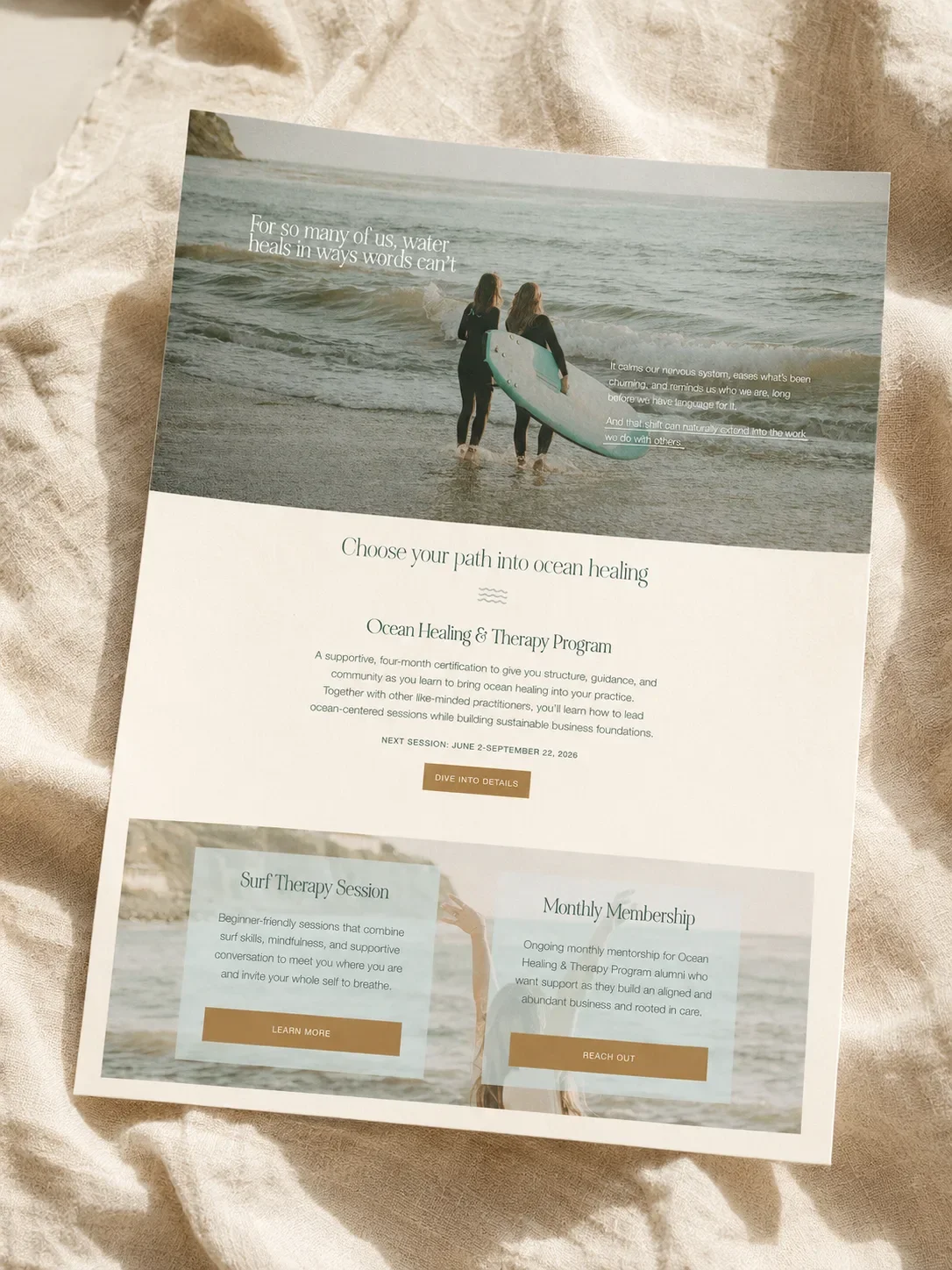
For example, when Isobel got stuck writing a section about the different platforms Sasha uses in his IT work, Samara suggested a design element to communicate that information instead. The words didn’t have to explain the whole thing on their own.
Or when Samara designed side-by-side boxes to show a process, Isobel looked at the sentence lengths across them. A short piece of copy next to a long one doesn’t just throw off the design, it also messes with the reader’s ability to process the information.
That’s what we mean by copy informing design and design informing copy. Those hourly voice notes are VERY much part of the work.
Hiring a Website Designer When You’re Missing a Few Things? Let Them Know
Being ready to inquire about a website doesn’t necessarily mean being ready for your website build. Let your designer know what’s ready, what’s in progress, and where you could use a hand. You can figure out the prep and timing together.
(Though we LOVE an organized eager beaver.)
One question we suggest taking to every Discovery Call, whether it’s with us or another website design studio, is:
“What do I need to provide, what will you create, and when do you need each piece?”
One website designer may expect you to provide everything from your colours to your photos to your copy. Another might work in an agency-style setting where they contract out any elements you don’t have ready.
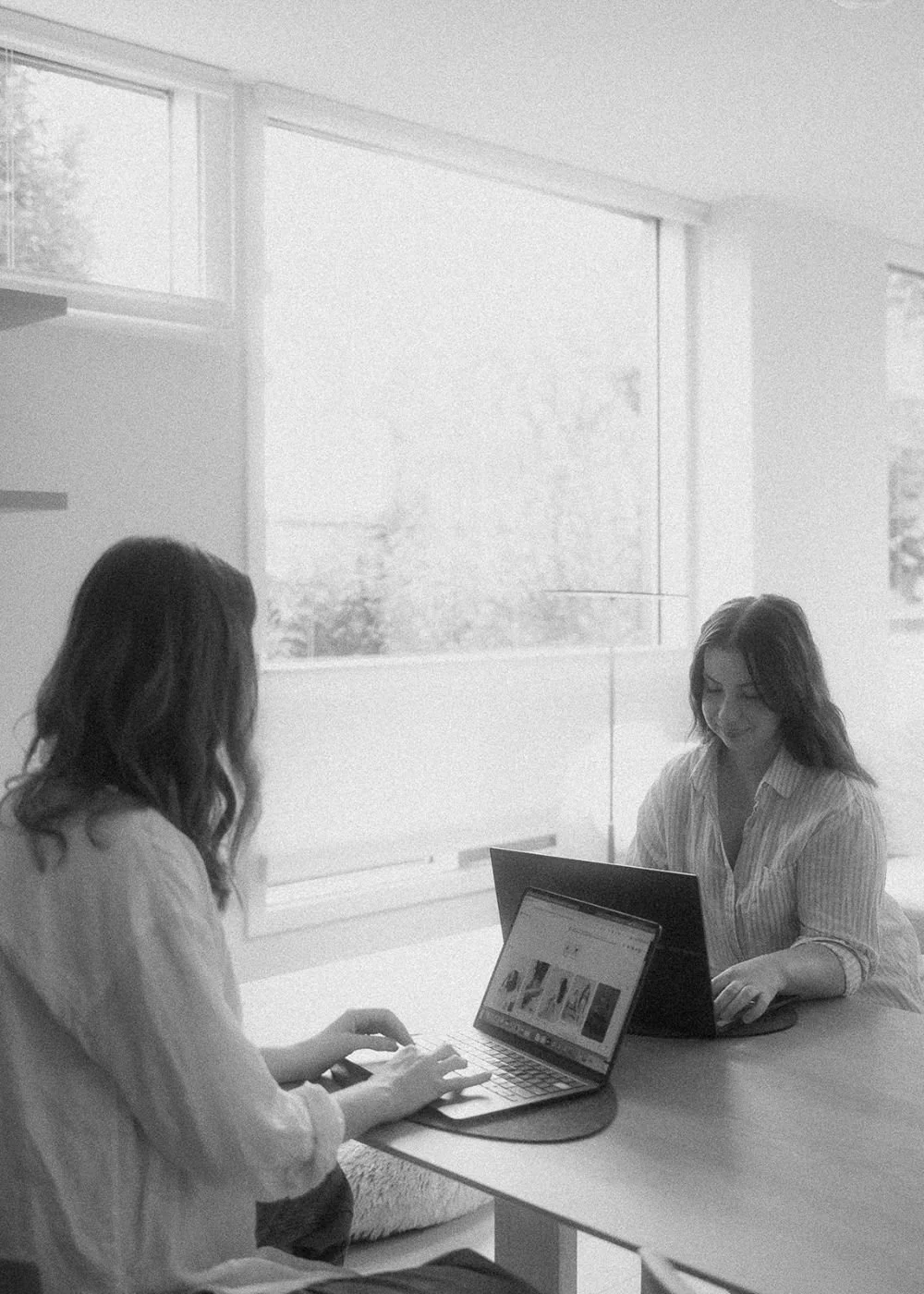

Between the two of us, we have 10+ years of experience helping clients get their websites created and launched.
We’ve seen the beautifully organized brand folders, the half-finished prep, and the business owners who know what they want but need help making it happen.
So we’ve built In Tandem to support those different starting points, with:
Copywriting and design included in every website project
Guidance on choosing a platform that fits your business
Custom and Semi-Custom Branding for your visuals
Curated stock-photo selection as an add-on
If you’re ready for a new website but your prep list still has a few gaps, tell us what you have in mind. We’ll talk through what’s ready, what needs sorting, and how we can help get your website rolling.
Not quite ready to hire a website designer, but know your current site needs some attention?
You don’t have to book a whole website project to get our eyes on it.
Free! Get Your Personalized Website Audit
Send us your website, and we’ll send back a free, personalized 5-minute audit with one clear fix to tackle first, so you know where to put your energy while you decide what’s next.
FAQs on Hiring a Website Designer
-
For an In Tandem Studios website project, you’ll need to come with a clear understanding of your offers and audience, but outside of that, we can customize your support to include branding and photo curation if needed.
-
Your designer needs actual colours, fonts, and logo files to work with, but you can inquire before you have them sorted. At In Tandem Studios, we can work with branding you already love, create a custom brand, or customize a Semi-Custom Brand Kit for you.
-
At In Tandem Studios, Isobel writes the copy for every single website we create. You’ll fill out a questionnaire about your business and have a Kickoff Call with us to gather any extra details before she turns it into beautiful words for your entire site.